Creating Templates to Automate Social Media
Keep your social media channels ticking over automatically with regular, professional vehicle content.


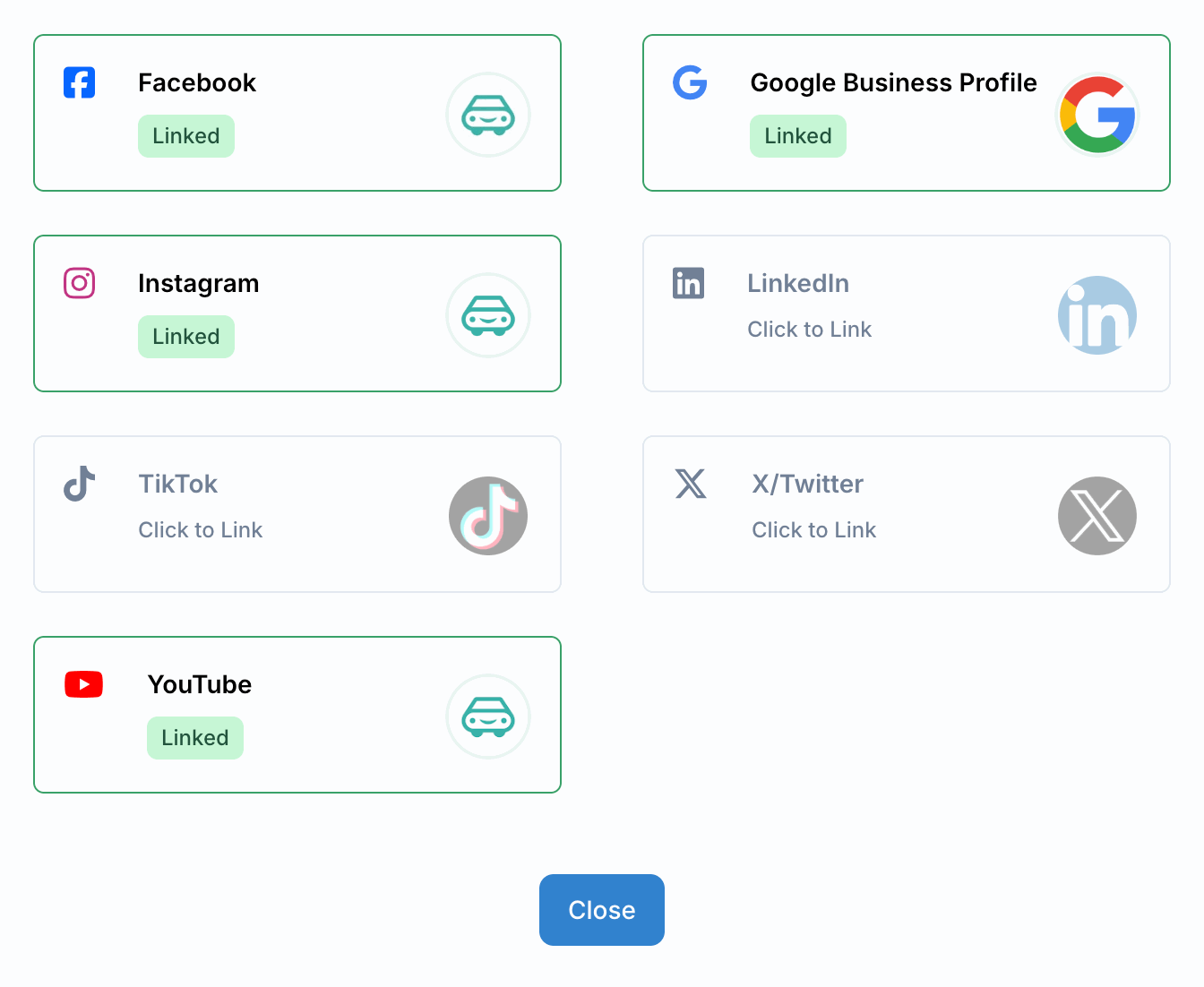
Go to Business -> Social Networks and press 'Manage Connections' and choose which social networks you want to link.
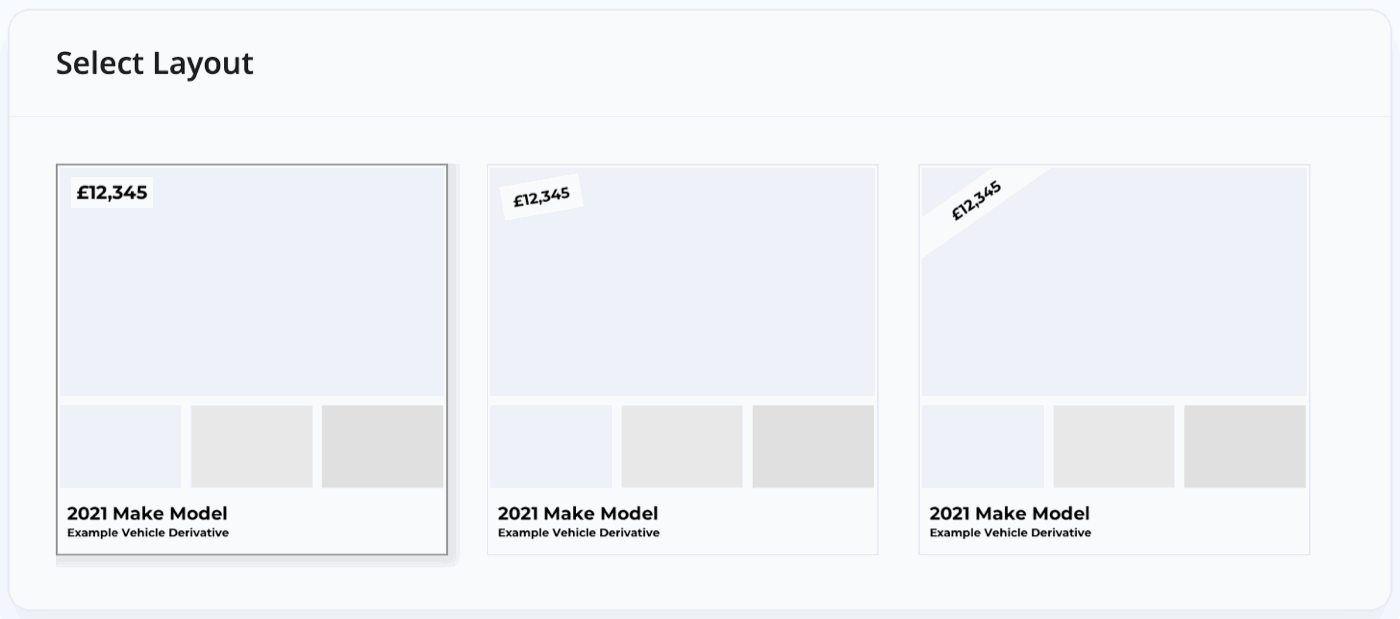
Choose a template, tweak the layout and content and then choose which social networks you want it to be used for, and then press 'Save Template'.

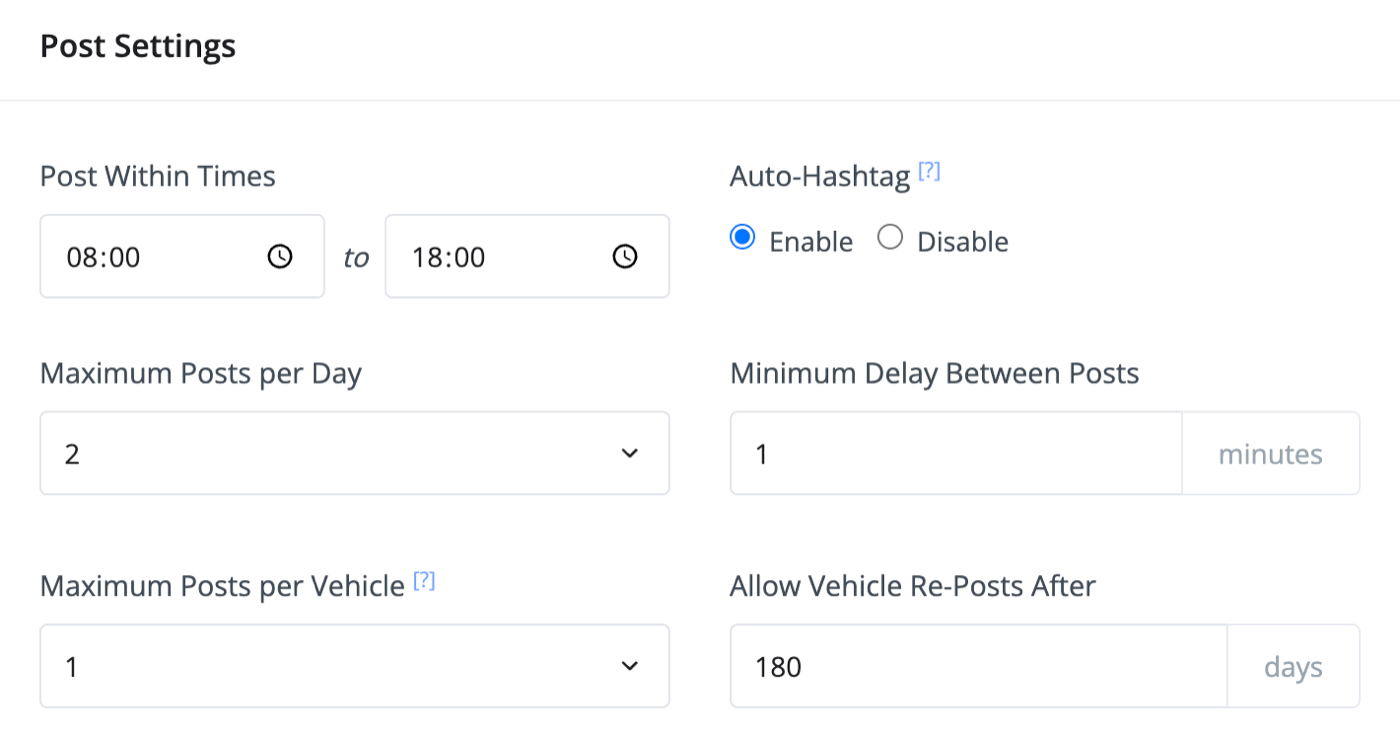
Choose your 'Post Settings' and press 'Save Changes'. MotorDesk will randomly pick from eligible vehicles and the templates you've created, within the scheduling parameters you choose here.
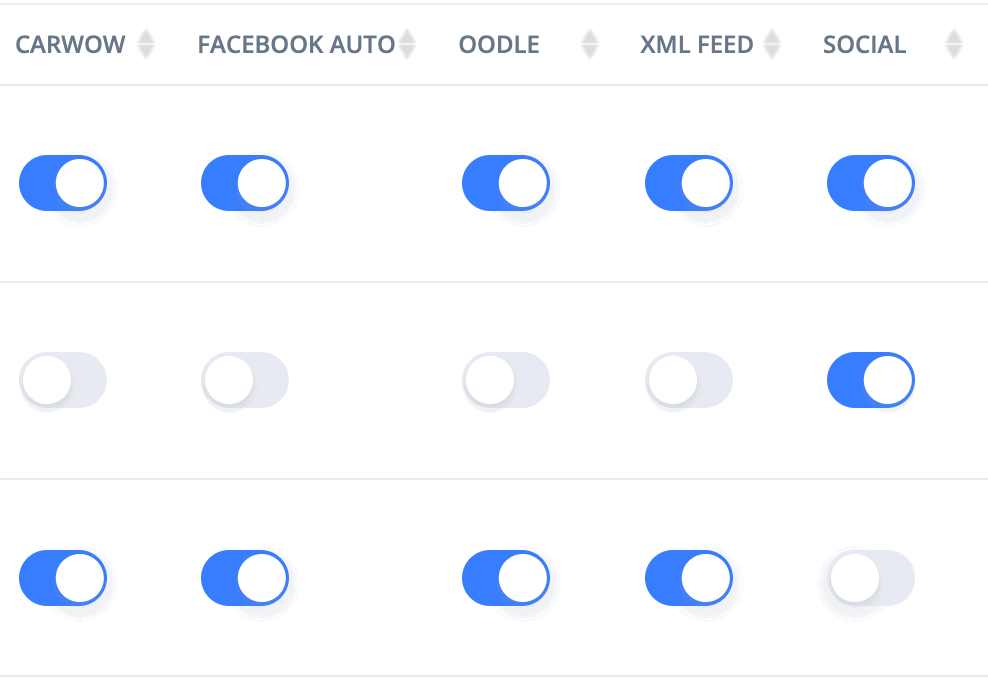
To make a vehicle eligible for automated social media posting, make sure it's sent to the social media sales channel.
Finance Examples on Social Media Posts
Using MotorDesk, you are also able to add finance examples to the description of your social media posts.
You must first have a finance provider connected to MotorDesk. Guidance on connecting a finance provider can be found here.
Finally, for the finance example to be included, you must have the price shown on the template. I.e. the 'Show Price' option found when editing a template must not be set to 'Hide'.
Related Documentation
Feature Fast Track
- Add Pages To Your Navigation Menu
- Add Your Products
- Analysing Multiple Vehicles For Purchase
- Automate Follow-Up Emails
- Creating Templates to Automate Social Media
- Edit an Invoice Date/Date Of Supply
- Manage Vehicle Jobs & Tasks
- OCR (Automatic Invoice Reader)
- Organise Processes with Workflows
- Organise Vehicle Tasks with Checklists
- Requesting eSignatures For Invoices
- Setting Up Your AA Cars Feed
- Setting Up Your AutoTrader Feed
- Setting Up Your Car & Classic Feed
- Setting Up Your CarGurus Feed
- Setting Up Your CarWow Feed
- Setting Up Your Dealerway Feed
- Setting Up Your MOTORS Feed
- Start a Blog on Your Website
- Utilise Your Document Library
- Utilise Your Image Library
- Vehicle Statuses