Set-Up New Outlook For Windows
Email account setup in Microsoft New Outlook.
Email clients, like Outlook, allow you to easily check your emails without Webmail (web-interface). This tutorial will help you to configure your Email accounts in Microsoft New Outlook.
Locate Your Account Details
To locate your email account details, go to the Business -> Email Accounts section of MotorDesk. Your email address is your username, your password can be located by selecting the 'Show Password' option. Your server/connection details can be located by selecting the 'Set-Up Instructions' button shown above your email accounts list.
1. Open Outlook, enter your email address.
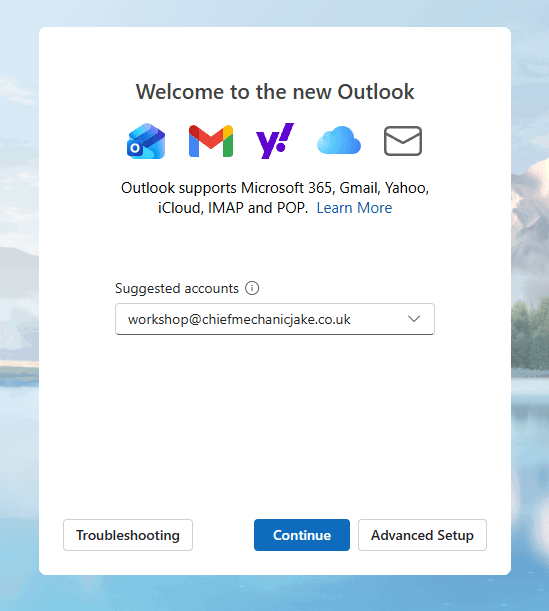
2. Click continue. Then enter your password.
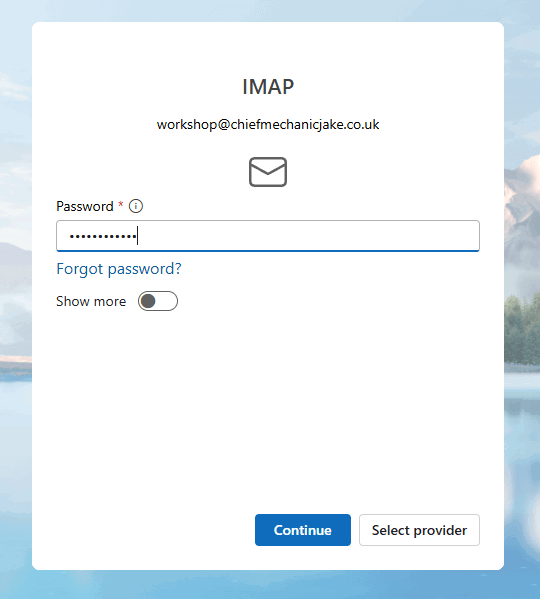
3. Click continue. Then continue again to sync your account to Microsoft Cloud.
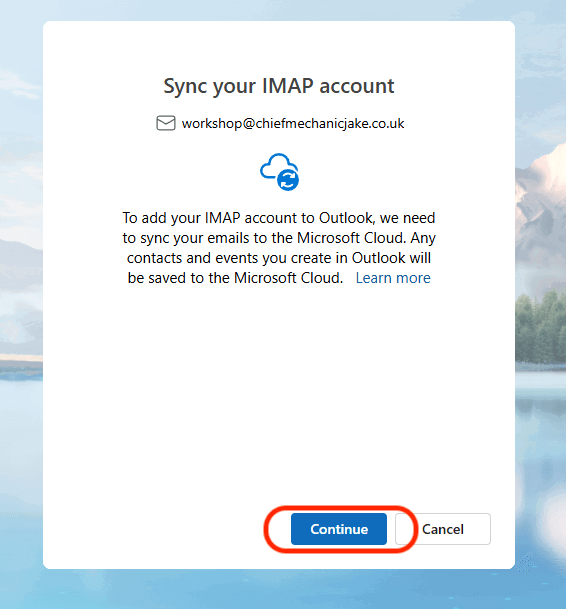
4. Once synced. Go to manage your email account that was just added.
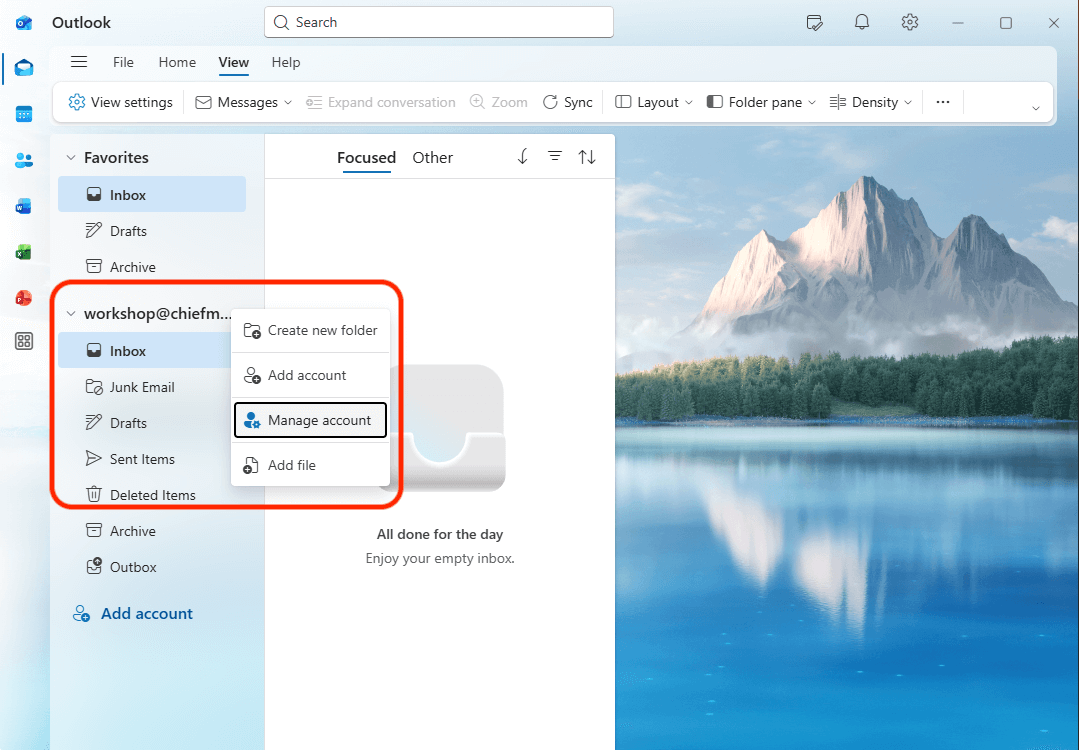
5. Select manage account.
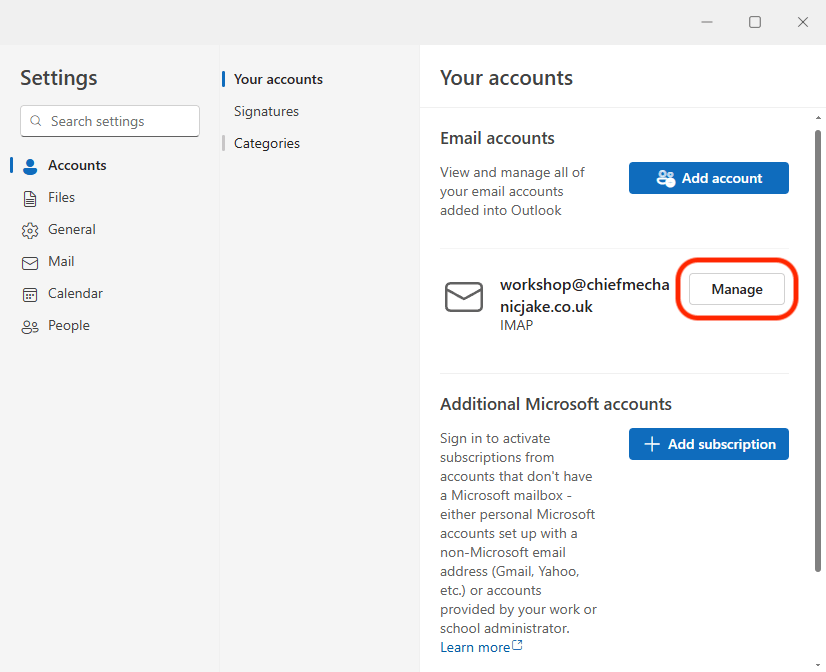
6. Look for the repair button.
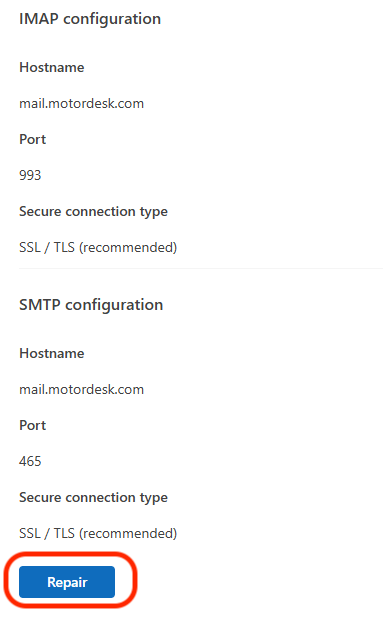
7. On the pop-up window, enter your password and then scroll down till you see SMTP settings.
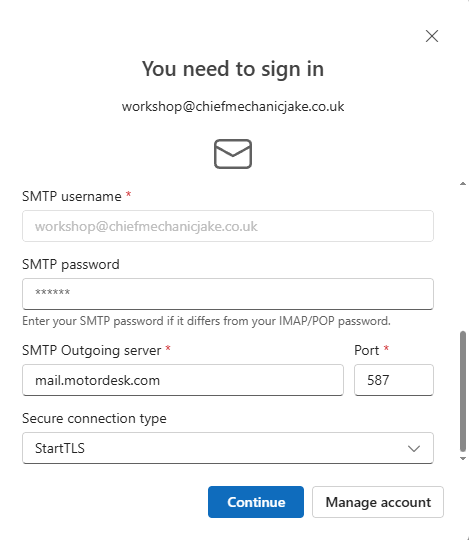
Copy the details found here, and then save the settings.
- SMTP Outgoing Server : mail.motordesk.com
- Port : 587
- Secure Connection Type : StartTLS
Your email account should now successfully be set-up on the New Outlook for Windows.
Please contact support if you run into any issues during the set-up, or if these docs are outdated.